Stylized Rendering Showcase in Unity URP
1. Overview
This project is a stylized rendering showcase built in Unity URP to demonstrate my graphics programming and technical art skills.
Instead of treating each shader as an isolated effect, I approached the project as a small rendering system. The goal was to build a cohesive stylized look across characters, props, terrain, foliage, outlines, and special surface effects, while keeping the implementation grounded in Unity's URP workflow.
2. Goals
- Build a unified stylized shading pipeline rather than a collection of disconnected materials
- Demonstrate both shader authoring and render-pipeline-level customization
- Cover multiple material categories including props, terrain, foliage, and snow
- Show practical rendering decisions that improve consistency, readability, and presentation quality
3. Before and After
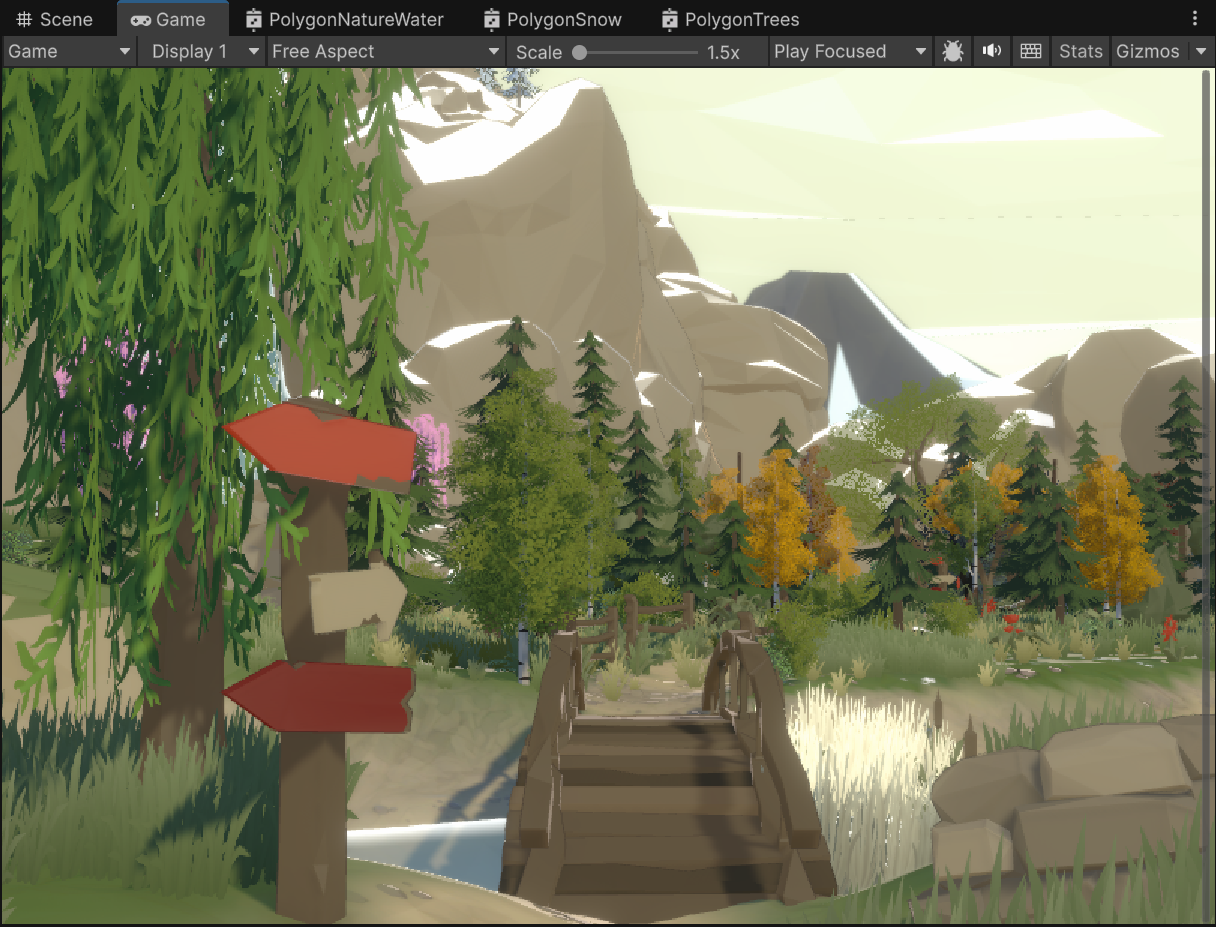
One of the main goals of this project was to move beyond a plain asset-pack presentation and turn the scene into a rendering-focused showcase with a more intentional visual identity.
Before the rendering pass, the scene was technically functional but visually generic.
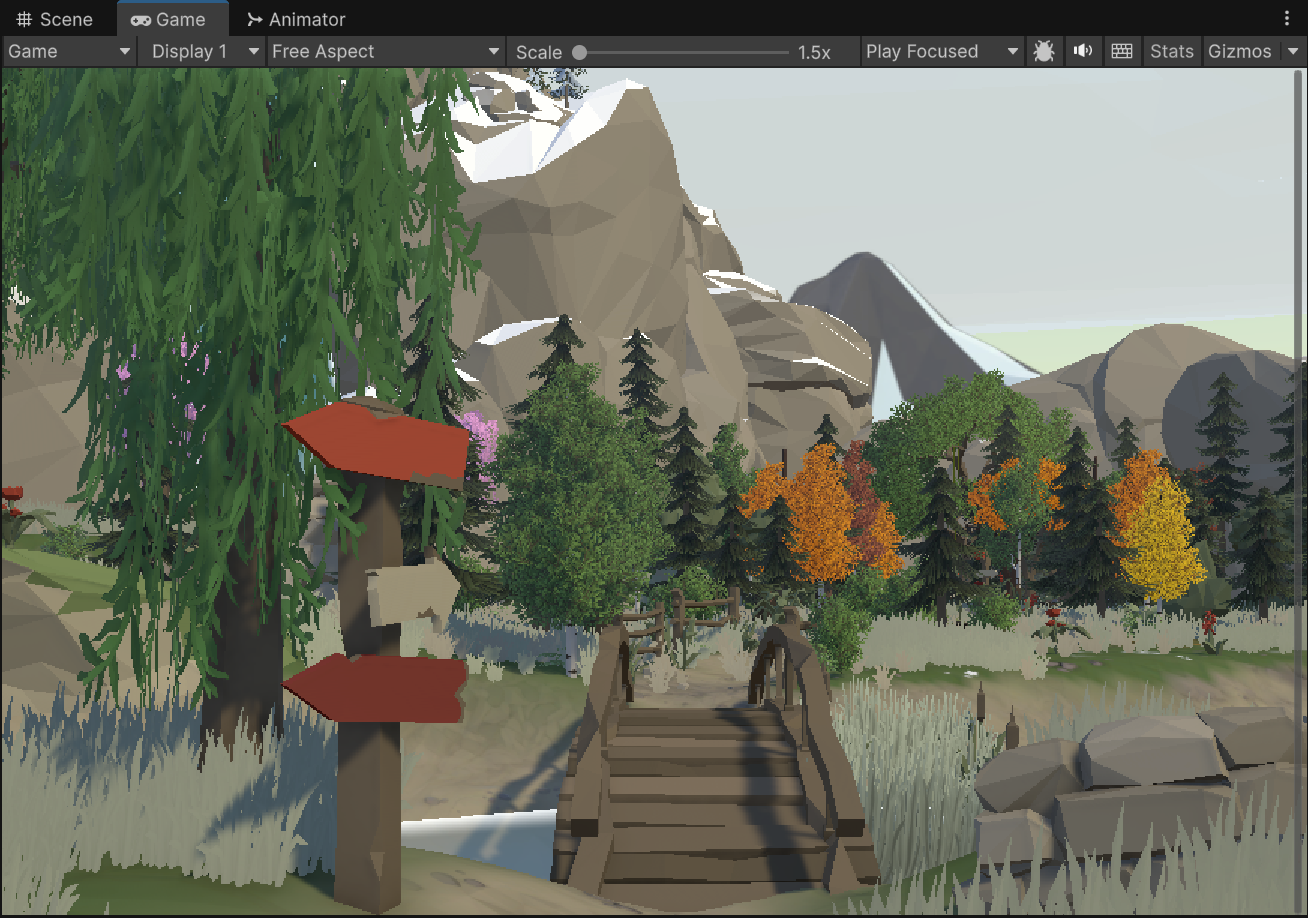
After introducing custom stylized shading, outlines, foliage treatment, and better surface separation, the scene became much more readable and much closer to the look I wanted to present in a portfolio.
4. Core Rendering Features
Unified stylized shading
The project uses a custom set of shaders for standard objects, terrain, trees, and snow. These shaders share the same overall lighting language instead of behaving like unrelated materials.
The shading model combines:
- stylized direct lighting
- toon/specular highlight control
- rim lighting
- emission control
- artist-friendly blending parameters
This made it possible to keep the scene visually coherent even when different assets came from different sources.
Geometry-based local outlines
For local outlines, I implemented a dedicated outline pass for selected objects using a geometry-based approach. This gives strong, stable silhouettes and works well for hero objects and characters.
The local outline solution was useful because it keeps edge definition consistent even when screen-space methods become noisy or too dependent on scene depth complexity.
Screen-space global outlines
In addition to local outlines, I also implemented a screen-space outline pass driven by scene depth and normal textures through a custom URP Render Feature.
This pass helps unify the whole frame stylistically and is especially useful for larger environment shots. I also added debug views for edge, depth, and normal evaluation to make tuning more practical.
Stylized terrain and grass
Terrain rendering was extended so that it follows the same stylized lighting language as the rest of the scene.
I also customized grass and billboard grass rendering so that:
- the base of the grass feels denser and more grounded
- the top receives controlled highlights
- near and far vegetation remain visually consistent
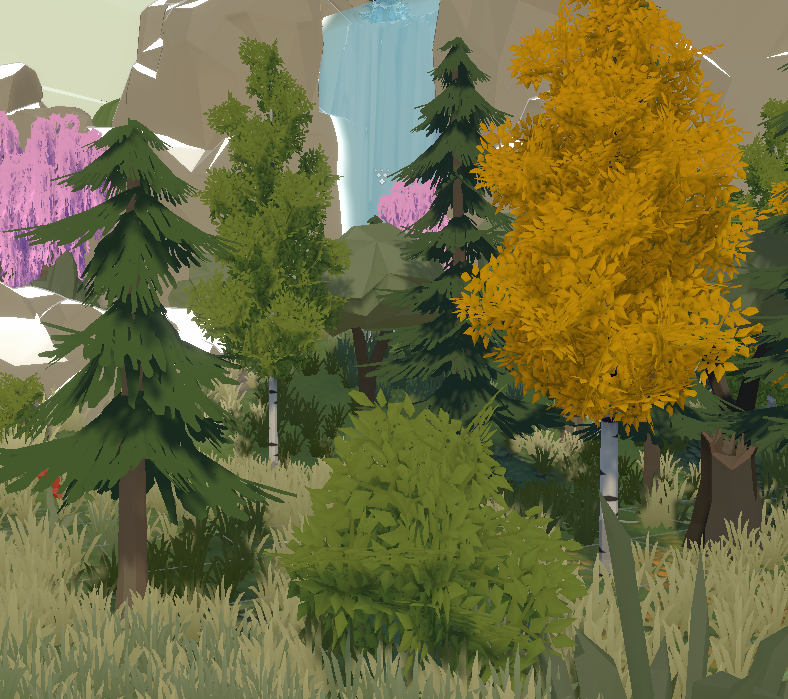
This was important because foliage often breaks visual cohesion first when the rest of the scene is heavily stylized.
Tree wind animation
Tree shading includes vertex animation for wind motion. The goal here was not physical realism, but to introduce enough movement to keep the foliage alive without breaking the stylized presentation.
Directional and triplanar snow blending
For snow-covered surfaces, I implemented snow accumulation driven by surface orientation and blended with triplanar sampling. This avoids obvious texture stretching and makes the effect work more reliably across different mesh shapes.
5. Character and Surface Presentation
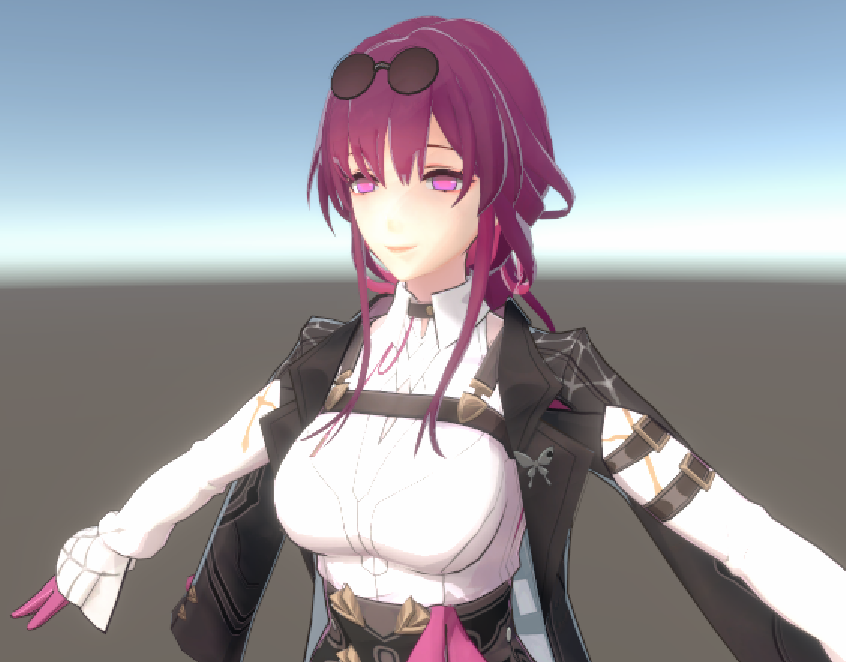
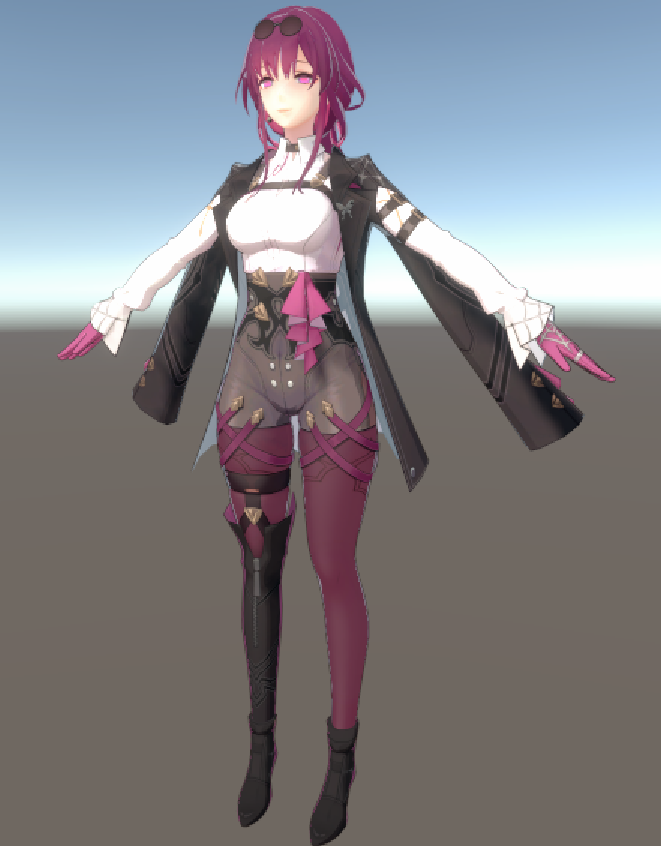
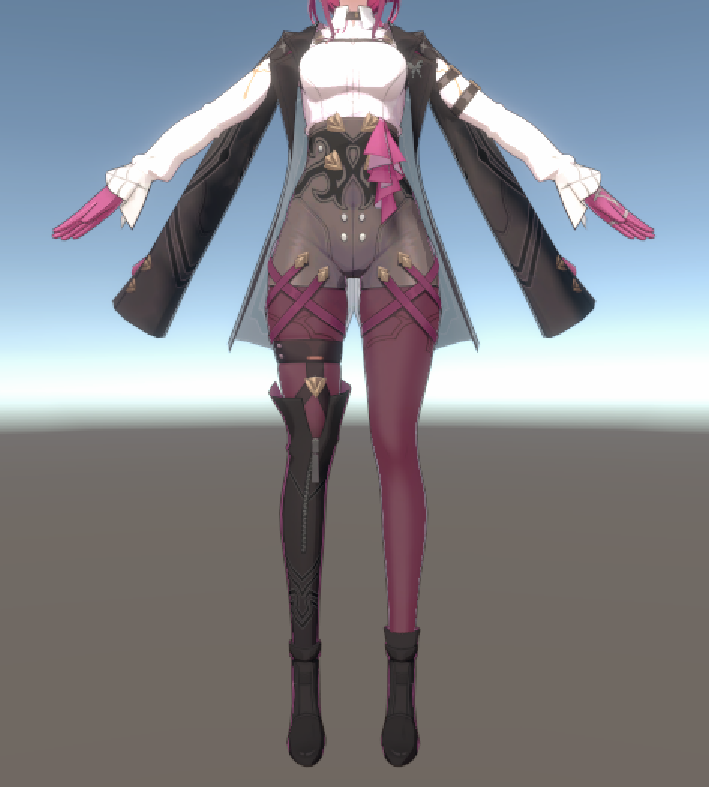
I also used the project to explore how the same stylized rendering language behaves on character-like assets and closer shots.
These images were useful for checking silhouette readability, surface separation, and whether outline and highlight decisions still hold up outside of wide environment shots.
6. Technical Challenges
Keeping multiple material types visually coherent
One of the main challenges was consistency. It is relatively easy to make a single stylized shader look good in isolation, but much harder to keep props, terrain, foliage, and special effects speaking the same visual language.
This project pushed me to think in terms of a rendering system instead of individual materials.
Choosing where to use local versus global outlines
Using only one outline technique would have been simpler, but it would also have been more limiting.
- Local outlines are more stable for selected objects
- Screen-space outlines scale better to the whole frame
Using both approaches made the final result stronger and gave me better control over presentation tradeoffs.
Reducing false positives in screen-space edge detection
Depth- and normal-based edge detection is useful, but it can easily produce unwanted edges or unstable results. A meaningful part of the work was tuning thresholds and masking so that the outline pass improved readability instead of adding noise.
Preserving vegetation quality across distance
Grass and foliage are often where rendering style starts to break down, especially when billboards enter the scene. Making near grass and billboard grass feel part of the same visual solution was a small but important problem in this project.
7. What This Project Demonstrates
This project reflects how I approach rendering work:
- I can write custom shaders in HLSL for Unity URP
- I can extend the rendering pipeline with custom Render Features
- I think about rendering as a system, not only as isolated effects
- I care about both implementation details and final visual cohesion
For me, the most valuable part of this project was not any single shader. It was the process of building a small but coherent stylized rendering workflow that could support multiple asset types inside the same scene.
8. Tools and Stack
- Unity
- Universal Render Pipeline
- HLSL
- C#
- Custom URP Render Features
- RenderGraph-based pass integration